 Filtzy
Marks what’s new
Spot instantly what you hadn’t seen.
Free extension for Amazon Vine
Find what you really want on Vine. Effortlessly.
Available for Chrome, Edge and Firefox, in 7 languages. Works in the US, UK, Germany, France, Italy and Spain.
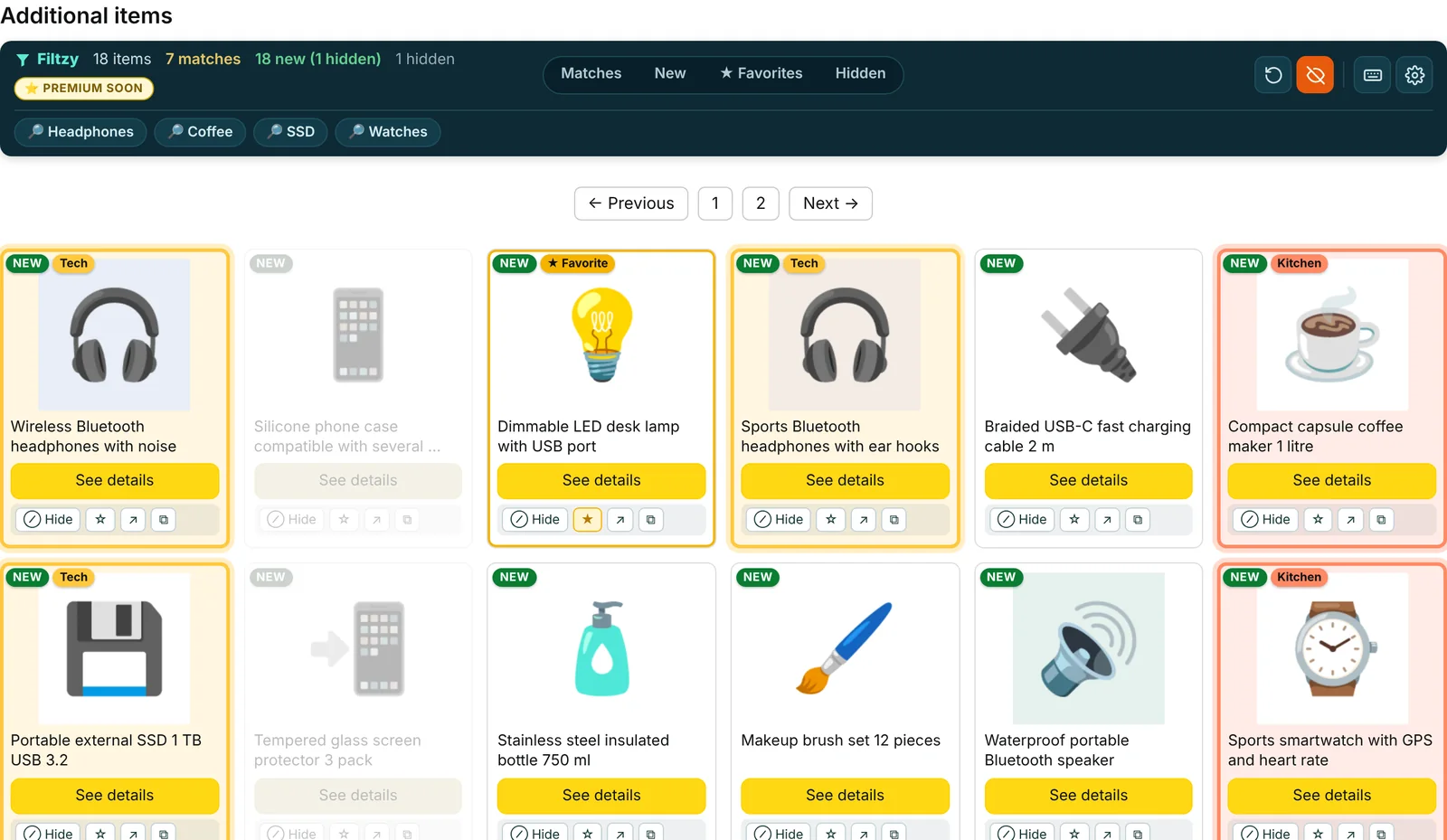
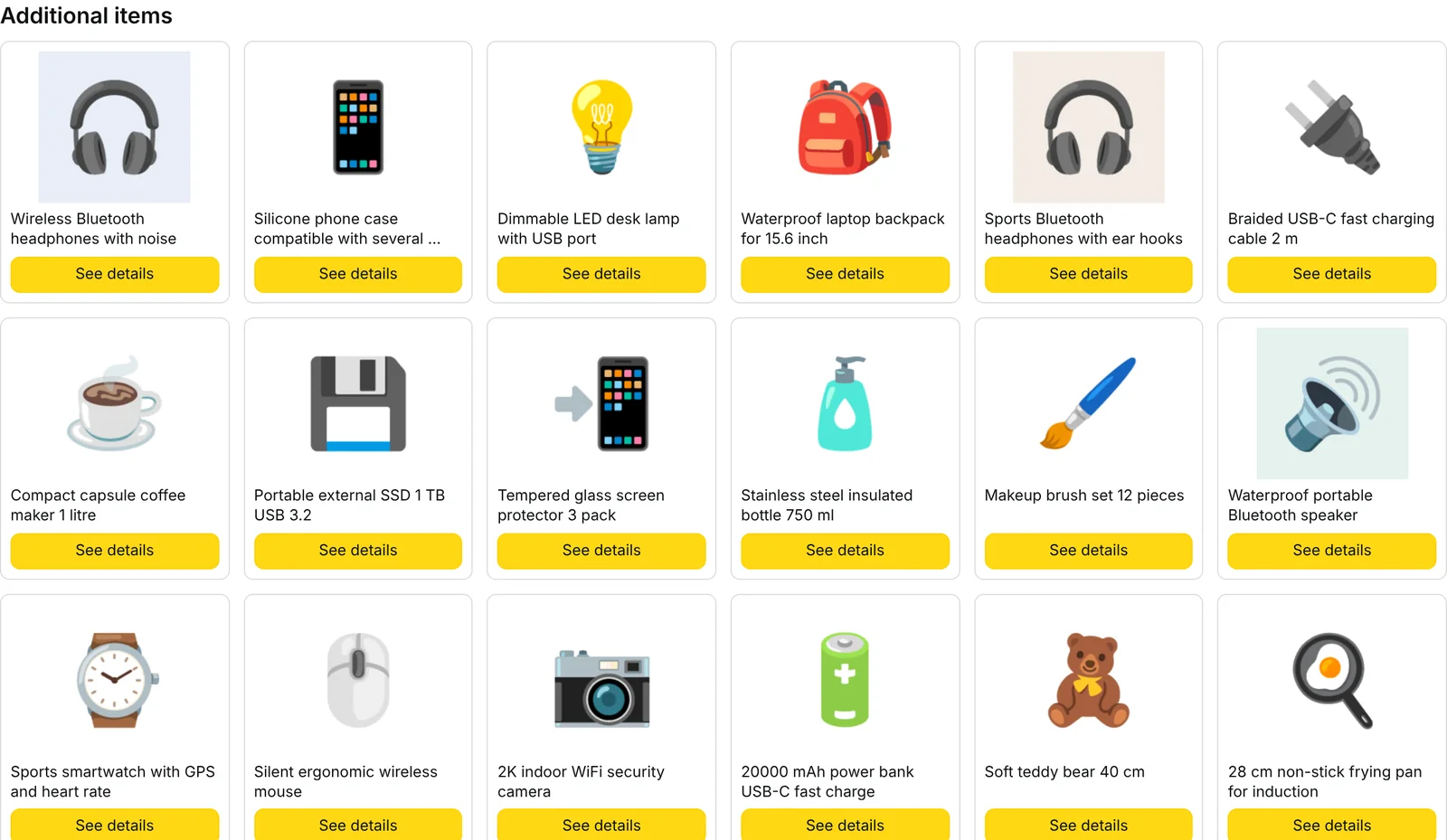
The same Vine page. With Filtzy, what you care about stands out and what you don’t disappears.
Rules
Create groups of keywords: what the title must contain and what it must not (“headphones bluetooth”, but not “case”). Filtzy highlights it in the group’s colour and, if you want, alerts you with a sound.

See on Vine
From your lists, “See on Vine” opens the page where you saw it and points it out, so all you do is click “See details”. If it’s gone, it offers to search for it.

Your lists
Everything your rules found, grouped in tabs by rule, with each item’s image. The same for your hidden items and favourites.

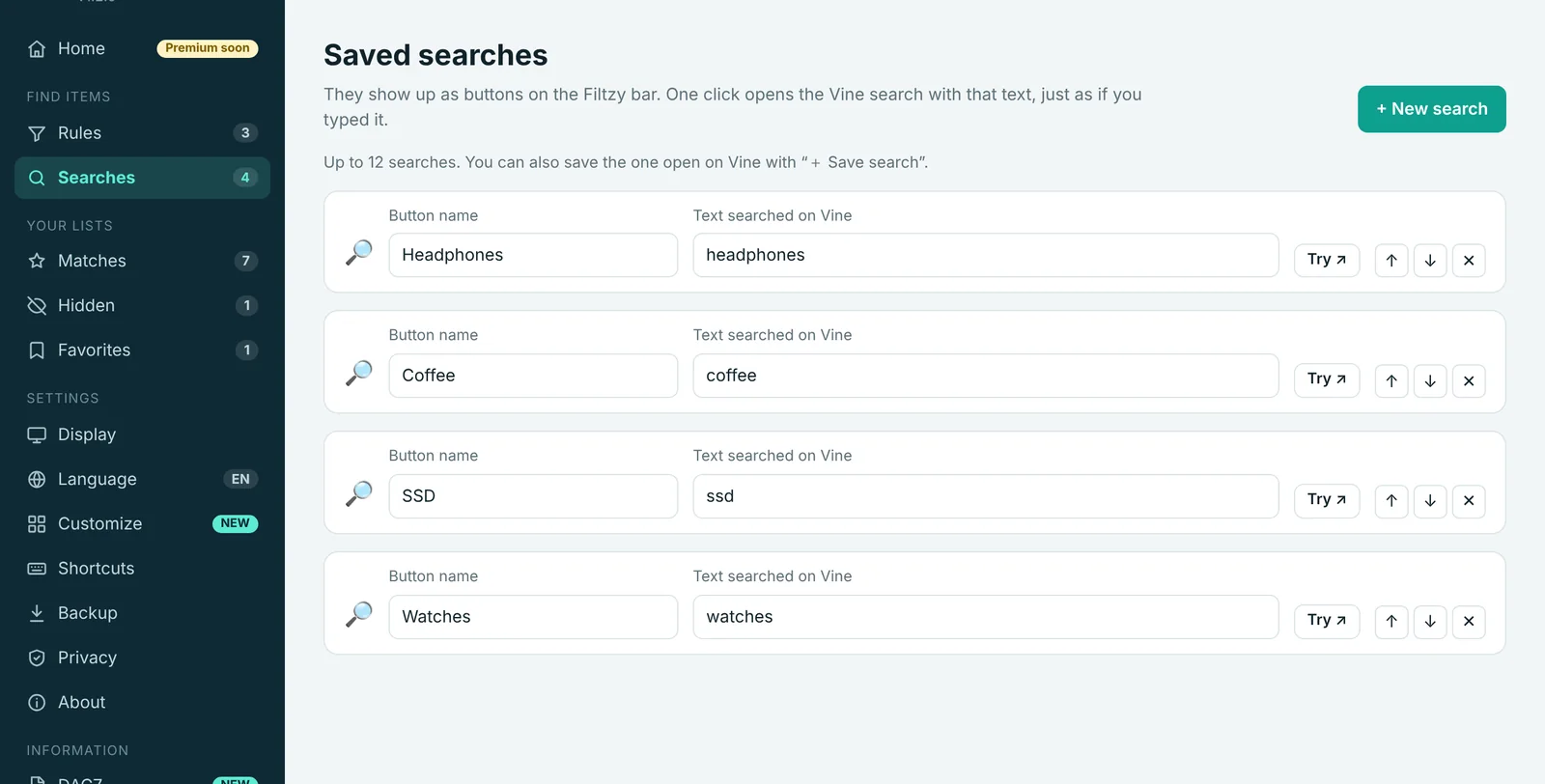
Searches
Save what you search for often and it shows up as a button on the bar. One click opens the Vine search with that text.

Customize
Columns, card width, image height, title size and lines, compact button or list view. Adjust it and see the result instantly.

DAC7
What the DAC7 directive is, who it affects and how Vine products are declared in Spain’s income tax return, step by step, with links to official sources.
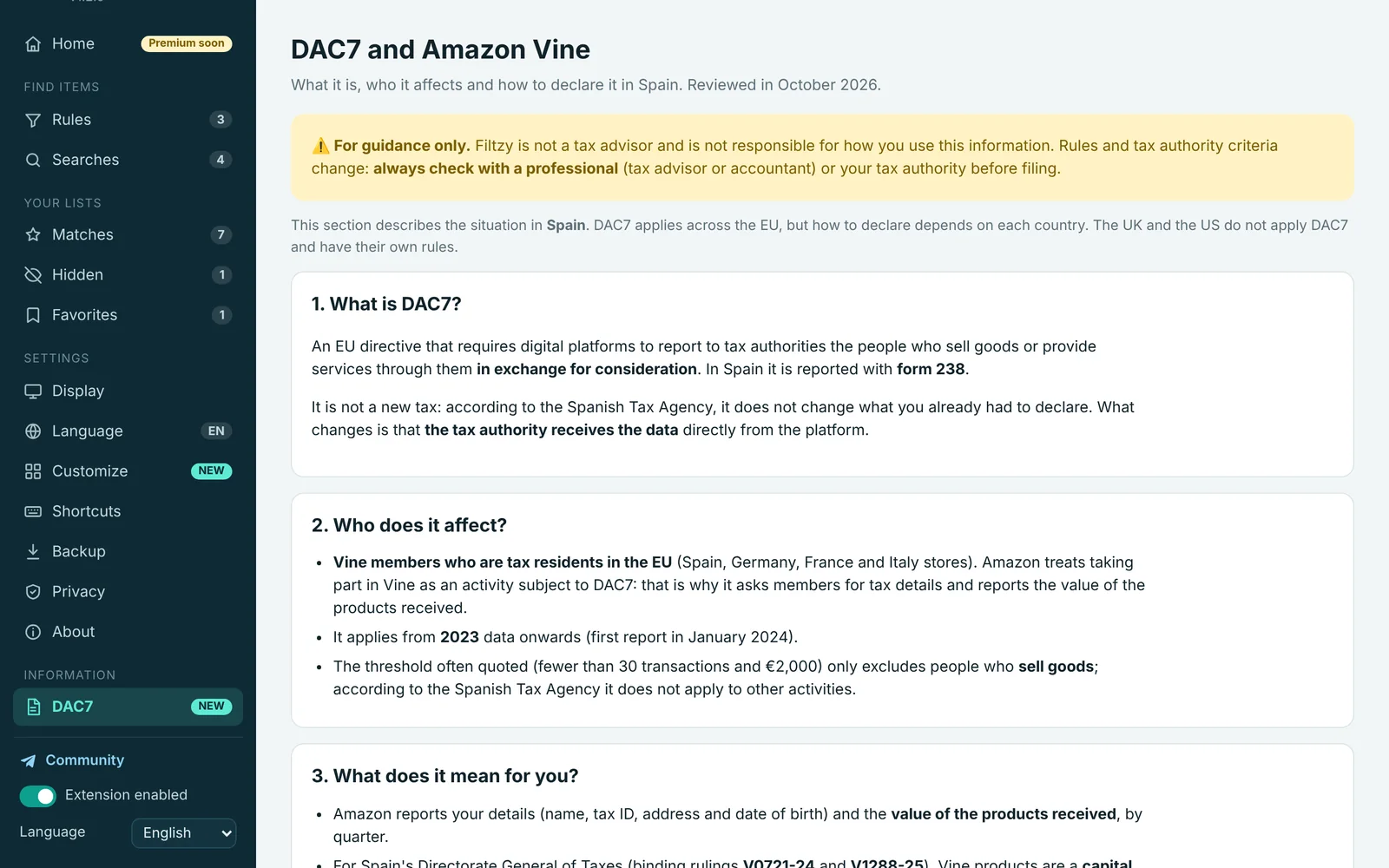
For guidance only. Filtzy is not a tax advisor: always check with a professional.
Small details that save you time every day.
Spot instantly what you hadn’t seen.
One item or the whole page, and bring them back anytime.
Filters and actions without scrolling back up.
Hide, favourite and filter without the mouse.
Characters and words while you write your review.
Vine, easier on the eyes at night.
Change page without scrolling to the bottom.
Hidden items and favourites on all your computers.
Export and import your rules and lists.
A sound when something new you want appears.
“Hide page” takes you to the next one.
English, Spanish, German, French, Italian, Hindi and Japanese.
Available on Chrome, Microsoft Edge and Firefox.
Filtzy works in your browser and only with the page you open.
Everything on this page is free and will stay free.
Ideas, questions or an item you just can’t find. We’re close by.
Yes. Filtzy is free, with no ads or accounts. There will be an optional Premium later, but everything it has today stays free.
On the Amazon Vine page in the US, UK, Germany, France, Italy and Spain, in English and Spanish.
Filtzy automates nothing: it does not request items, reload pages or send requests to Amazon. It only reads and decorates the page you open. Always use it in line with the Vine program rules.
Nothing about what you see. Everything is stored in your browser. Only if you sign up for “Premium coming soon” is your email stored, to notify you.
Yes. Filtzy is on the Chrome Web Store, Microsoft Edge Add-ons and Firefox Add-ons (Firefox 140+). It also works on Chrome-based browsers such as Brave or Opera, installed from the Chrome Web Store.
English, Spanish, German, French, Italian, Hindi and Japanese. Change it in the dashboard › Language.
Install it, open the dashboard from the Filtzy icon, review the example rules and open your Vine page.